
Incoming Caller Idenitification
Get the right context from each customer
Incoming Caller ID shows the caller’s name and number on inbound calls, so your team can answer with context and make faster decisions, when the caller info is available.
Explore FeaturesBook Demo
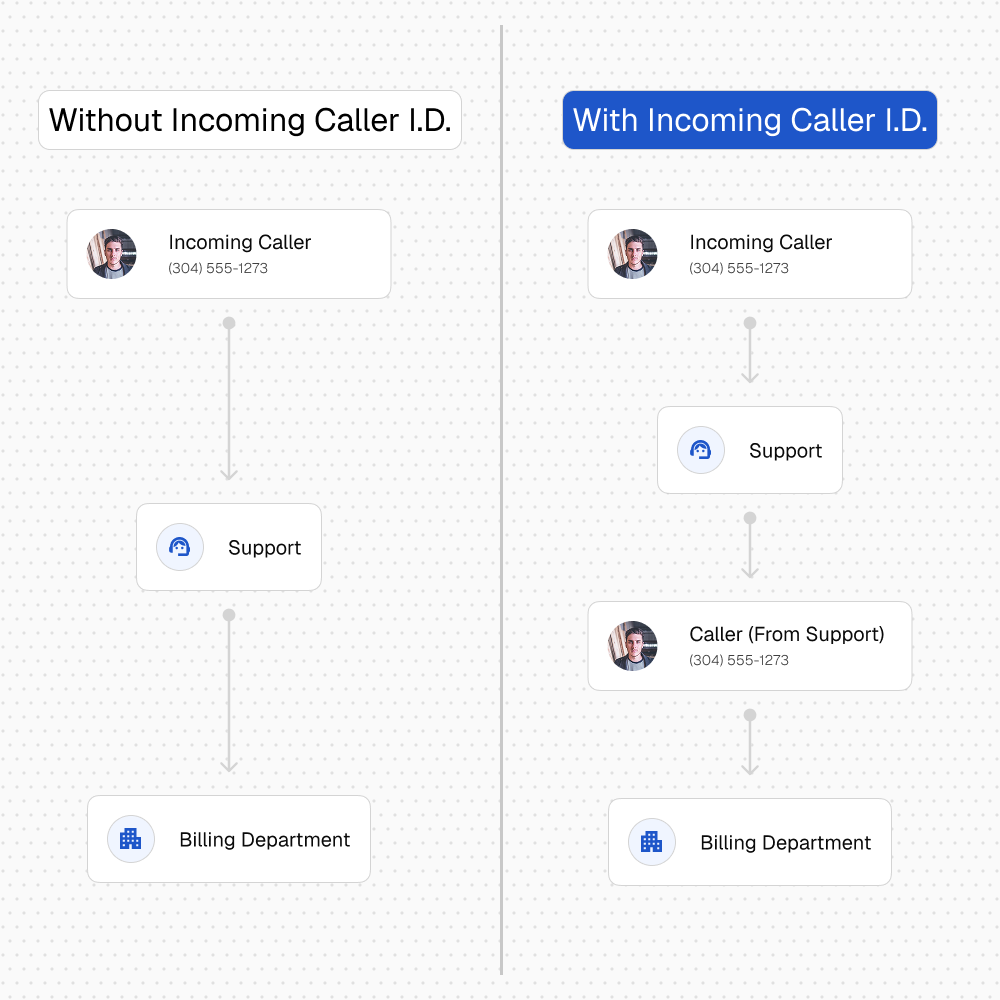
Incoming Caller Idenitification
Tag callers in real time.
Give your team a quick ID on every transfer, so customers don’t have to repeat themselves and staff can respond faster.
Hand off to billing with context
Tag the caller before you transfer so billing sees what the issue is and what was already discussed.
Flag VIP and high-value accounts
Add a “VIP” tag so whoever answers knows to prioritize the call and keep the experience consistent.
Mark escalations for a manager
Use tags like “Escalated” or “Manager requested” so leadership gets the full picture before picking up.
Identify returns and warranty calls
Tag calls as “Return request” or “Warranty” so the right team can ask the right questions immediately.
Label appointment and dispatch calls
Tag “Scheduled today” or “On-site issue” so dispatch and field teams know what they’re walking into.
Separate sales leads from support
Tag “New lead” or “Existing customer” so calls land with the right team and get handled the right way.
Request Demo
Get Your Nex-Gen Business Phone
Fill out our contact form below and we'll be in touch to set up your demo